
Every integration that supports order import will have the following options:
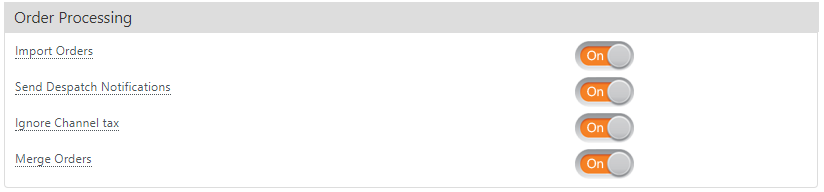
Import Orders - This is the most important option here, with this enabled we will download all undespatched orders from channel. StoreFeeder does not download despatched orders automatically, to prevent orders accidentally being processed twice. Some integrations, such as Magento, BigCommerce and BluePark, let you choose which order status to download using the Trigger Order Status setting. If you do need specific despatched orders importing though you can contact the support team who can do this.
Send Despatch Notifications - If this option is enabled we will send despatch notifications to channel, this will despatch the orders on channel and send up tracking numbers where applicable.
Ignore Channel tax - Not all channels will calculate order tax, for those channels you can enable this option and StoreFeeder will calculate the order tax based on your tax settingss on the products ordered.
Merge Orders - This option will check on import if there are any orders that can be merged together. We check to make sure it's the same customer that has ordered by checking the customer name and address. Orders will not merge automatically if the products ordered are in different warehouses, if the channel shipping methods are different or if the shipping method that gets applied in StoreFeeder is different. If you go to the manage order page you can merge orders where the channel shipping methods do not match but we cannot automatically decide which channel shipping method should be used in cases like this.
Comments
0 comments
Please sign in to leave a comment.